 | Loading… |
Warehouse Mobile Computer Malaysia: Why Mobility Matters When Orders Increase
28/Oct/2026
📦 Introduction
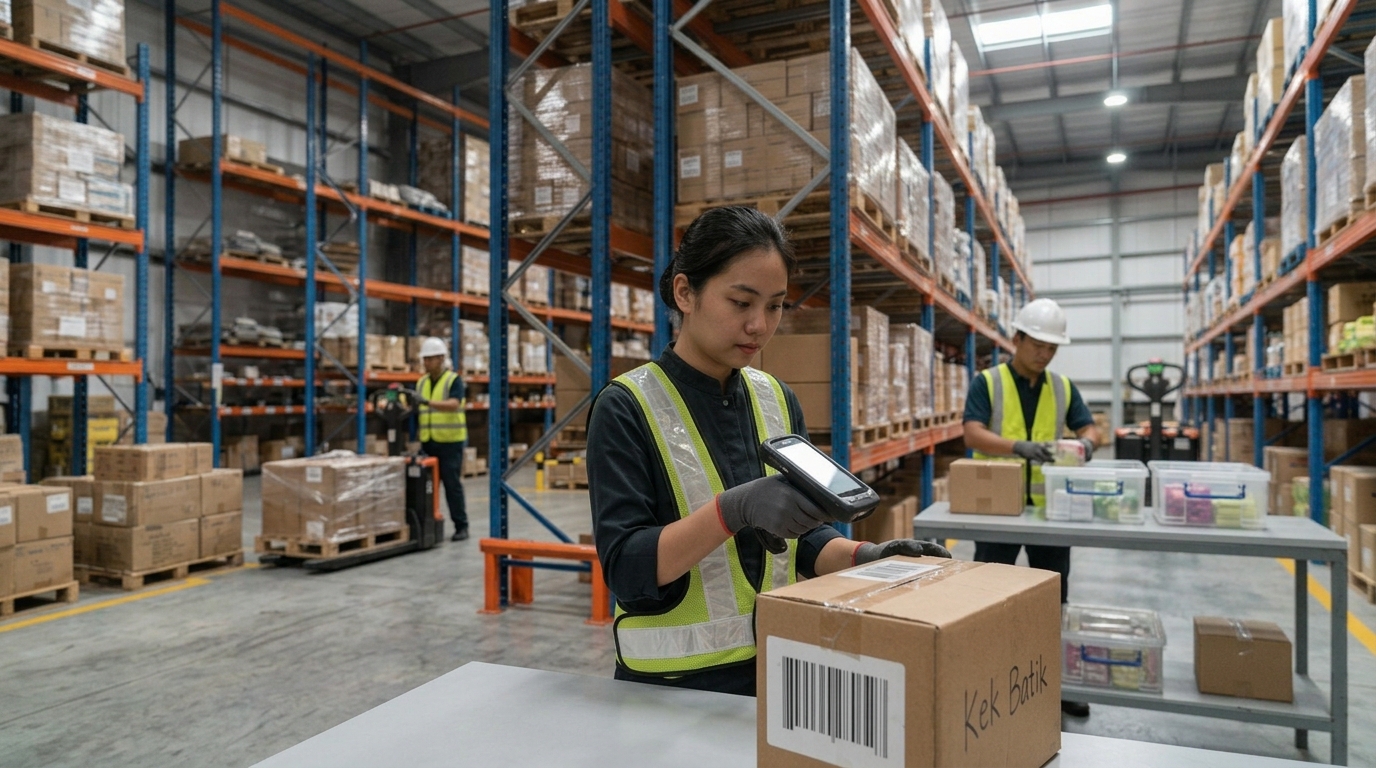
When order volumes increase, warehouse operations face a different level of pressure. More orders must be picked, more stock needs to be checked, and more shipments have to be prepared within tighter deadlines. What worked when a warehouse handled a smaller number of orders may become difficult to maintain as daily workloads grow.
Employees may need to walk back to a desktop computer to check inventory, update paperwork after completing a task or manually enter product information into a system. Each activity may seem minor on its own, but repeated steps can add friction to receiving, put-away, order picking, stocktaking and dispatch.
For Malaysian warehouses, distributors, manufacturers, e-commerce businesses and logistics providers, the challenge is not simply processing more orders. It is maintaining accurate inventory records and coordinating daily tasks while the workload increases.
This is where warehouse mobility becomes important.
A warehouse mobile computer allows employees to access compatible business applications and capture barcode data while working on the warehouse floor. Instead of relying entirely on paper records or fixed workstations, staff can perform relevant tasks at the point where the work takes place.
Solutions such as the PointMobile PM84P Android mobile computer, when used with suitable warehouse management software, can support mobile data capture and connected warehouse workflows. The device combines mobile computing with 1D/2D barcode scanning and wireless connectivity, while software such as AGen WMS can support the business processes built around that data.
In this article, we explain why warehouse mobility matters when orders increase, what challenges businesses should look out for and how to evaluate a mobile computing solution for growing warehouse operations.
📈 1. Why Higher Order Volumes Put More Pressure on Warehouses
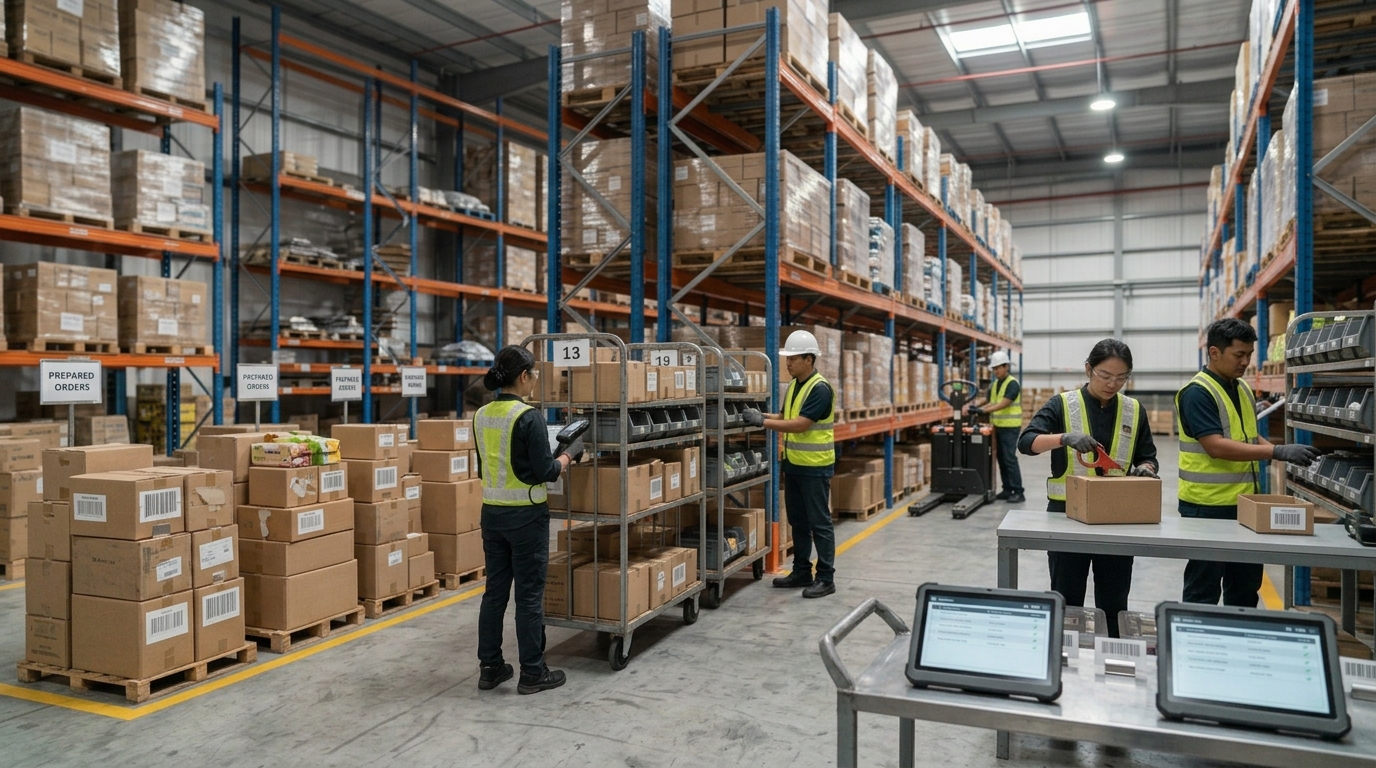
An increase in orders affects more than the packing and dispatch teams. It can place pressure on the entire warehouse process, from receiving incoming goods to updating inventory records.
When the existing workflow depends heavily on manual coordination, employees may spend more time searching for information, verifying stock or correcting discrepancies.
More items need to be received and recorded
As incoming stock increases, warehouse teams need to identify products, verify quantities and record receipts. If information is captured on paper and entered into a system later, there can be a delay between the physical movement of stock and the update to the inventory record.
More picking tasks need to be completed
A higher number of customer orders often means more picking activities throughout the warehouse. Workers need to locate the correct items, confirm quantities and prepare goods for packing.
Without a clear digital workflow, employees may have to consult printed lists, return to a workstation or seek clarification when information is missing.
More inventory movements need to be tracked
Products move between receiving areas, storage locations, picking zones, packing stations and dispatch areas. Each movement may need to be recorded so that inventory information remains useful to the next person or process.
When updates are delayed or missed, the warehouse system may not accurately reflect what is happening on the floor.
Dispatch deadlines become harder to manage
When many orders must leave within a limited period, delays in picking, verification or packing can affect the overall workflow. Teams need a clear view of the tasks to be completed and a reliable way to record progress.
The key challenge: increasing order volume puts pressure on the efficiency and coordination of every warehouse process. Improving mobility can help reduce unnecessary steps, but the results depend on the software, procedures and overall workflow.
📱 2. What Is a Warehouse Mobile Computer?
.jpg)
A warehouse mobile computer is a purpose-built business device that combines computing, data capture and connectivity in a portable unit.
Unlike a consumer smartphone, a dedicated enterprise mobile computer is designed for business applications such as barcode scanning, inventory management, receiving, order picking and stock verification. Depending on the model, it may include an integrated scanner, a rugged housing, enterprise connectivity and features intended for repeated daily use.
How does it work in a warehouse?
A typical mobile workflow may look like this:
- Receive a task: The worker opens a compatible warehouse application and checks the assigned activity.
- Scan a barcode: The worker scans the product, carton or storage location.
- Verify the information: The application checks the captured data against the relevant transaction or task.
- Record the activity: The worker confirms the action through the software.
- Move to the next task: The worker continues without needing to return to a fixed computer for every update.
The exact process depends on the warehouse management system, device configuration and business rules.
A mobile computer does not automatically provide a complete warehouse management solution. The device captures and displays information; the software determines how inventory, tasks and transactions are managed.
🚚 3. How Warehouse Mobility Supports Higher Order Volumes
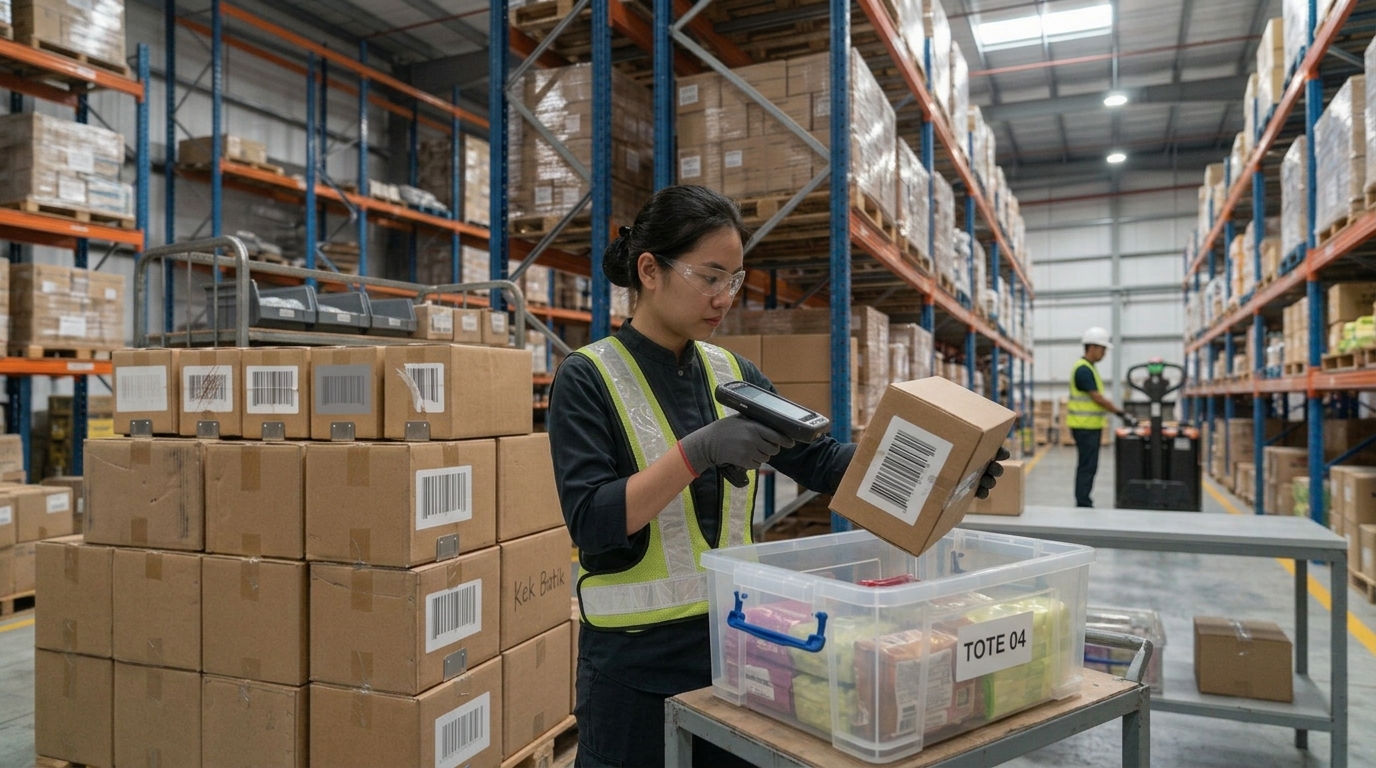
When orders increase, businesses need workflows that allow employees to perform tasks with fewer unnecessary interruptions. Mobile computing can support this by bringing relevant information and data capture closer to the physical activity.
Faster receiving and put-away workflows
During receiving, workers may need to verify product identifiers, quantities and shipment details. A mobile computer can let them scan items and access compatible receiving applications directly at the receiving area.
During put-away, barcode scanning can help workers confirm products and storage locations according to the system's workflow.
This can reduce reliance on handwritten records and repeated trips to a fixed workstation, provided the warehouse process and system are configured appropriately.
More structured order picking
Picking involves locating the correct products and collecting the required quantities for an order.
With a suitable WMS and mobile device, workers can access picking instructions and scan items or locations to support task verification. This can help standardise the process and make it easier to identify discrepancies at the point of work.
The actual productivity improvement depends on factors such as warehouse layout, picking method, system design and employee training.
More efficient stocktaking
Inventory counting can become difficult when stock is spread across many racks, shelves or storage zones.
A mobile computer can support barcode-based stocktaking by allowing employees to capture product and location information as they count. When integrated with an appropriate application, the information can be recorded digitally rather than transcribed from paper forms later.
Better packing and dispatch verification
Before goods leave the warehouse, staff may need to verify that the right items and quantities are associated with the order.
Mobile scanning can support these checks, depending on the configured workflow. This can help employees identify mismatches before dispatch instead of relying entirely on visual checks or manual paperwork.
More connected task execution
A mobile workflow can help workers access task information and record activity while moving around the warehouse.
When the device, wireless network and software are configured correctly, this can support more timely updates to operational records. It does not guarantee instantaneous updates in every environment; connectivity, application behaviour and system integration all matter.
⚠️ 4. What Happens When Warehouses Rely Too Much on Paper and Manual Updates?
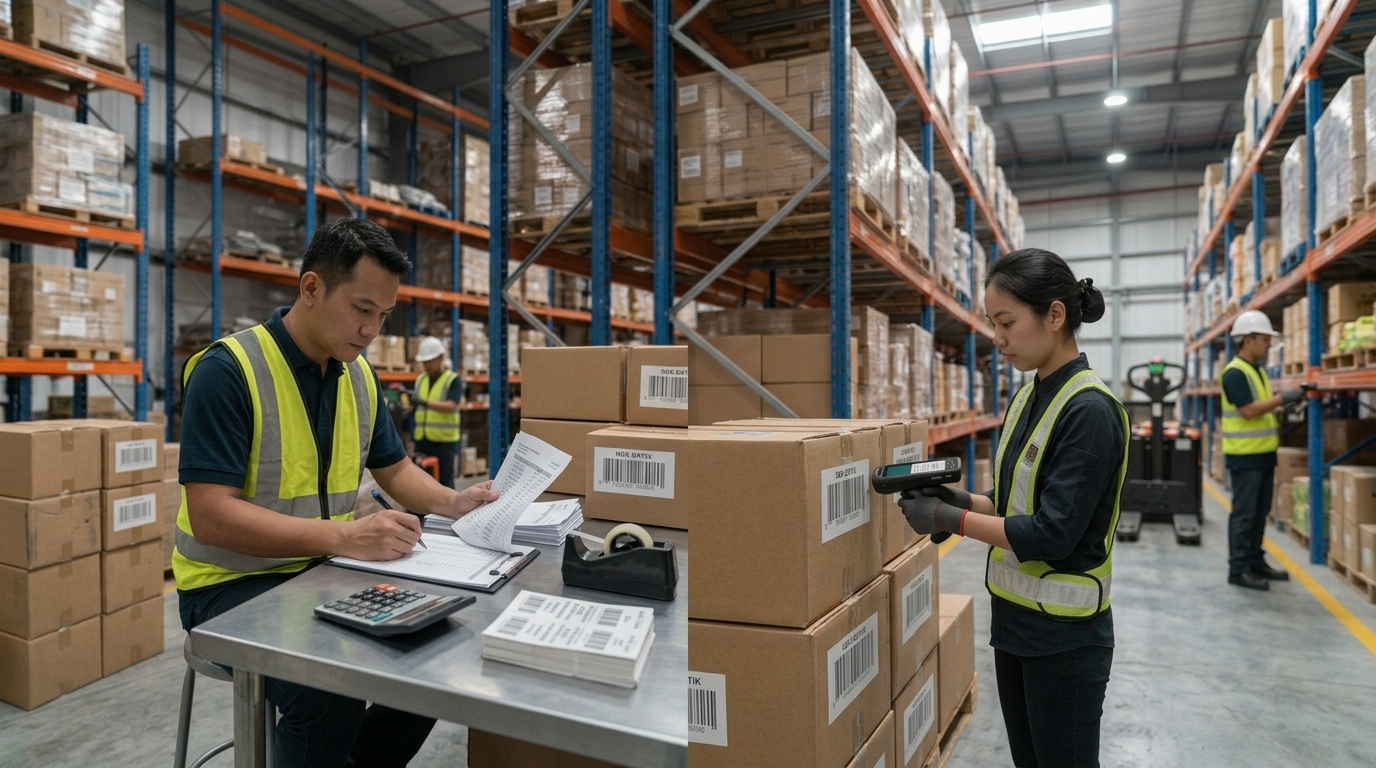
Paper-based processes may remain suitable for some tasks, but they can become harder to manage when the number of daily transactions increases.
The main issue is not that paper is always ineffective. It is that information may be recorded separately from the system that the business uses to manage inventory and orders.
Delayed inventory updates
If employees record stock movements on paper and enter them into the system later, the digital inventory record may temporarily differ from the physical stock.
This can make it harder for teams to rely on the system when checking availability or investigating discrepancies.
Repeated data entry
Manually transferring product codes, quantities and transaction details creates extra work. It also introduces opportunities for typing errors, omissions and inconsistent records.
Barcode scanning can reduce the need to type identifiers manually, although staff still need to verify information and follow the correct transaction process.
Difficulty tracking task progress
When work is tracked through separate paper lists, spreadsheets or verbal updates, supervisors may have limited visibility into task status until employees report their progress.
A connected warehouse application can provide more structured task records, depending on its reporting and workflow features.
More pressure on staff during busy periods
When order volumes rise, employees may already be working against tight deadlines. Additional paperwork, repeated trips to workstations and manual corrections can add to the workload.
A well-designed mobile workflow can remove some of these unnecessary steps. However, digitising a poorly designed process without reviewing it first may simply move the same problems onto a screen.
🔄 5. Why Real-Time Inventory Visibility Matters
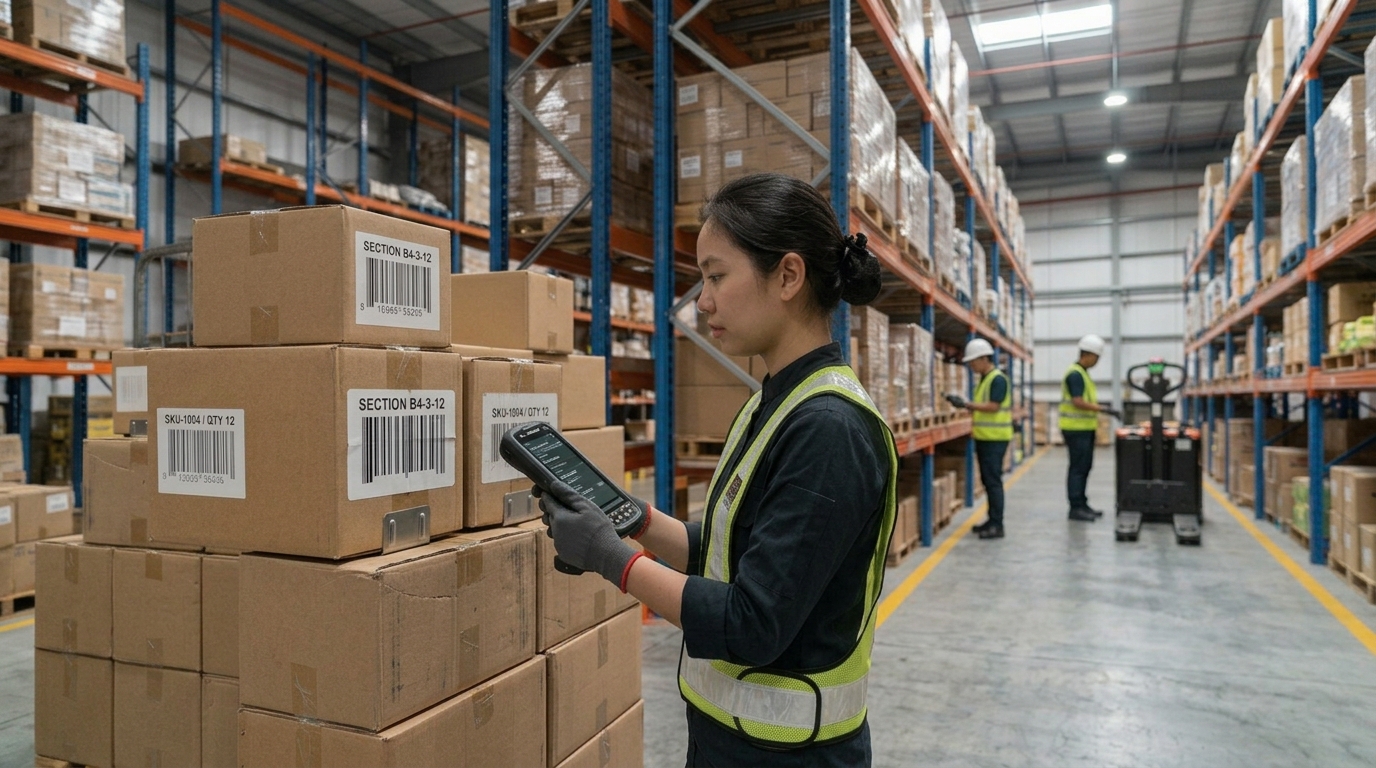
When a warehouse processes a large number of transactions, employees need inventory information that reflects completed activities as accurately and promptly as the system allows.
For example, when a product is received, picked or moved to another location, the relevant transaction should be recorded through the approved workflow. This helps other users and processes work from a more consistent inventory record.
Support better stock visibility
Mobile barcode scanning connected to a WMS can help record inventory movements at the point of activity. This reduces the need to wait for a separate manual update process.
Help identify discrepancies earlier
When the system requires employees to scan or verify relevant items and locations, some discrepancies may be identified during the transaction rather than during a later stock count.
The effectiveness of this approach depends on the validation rules and how consistently the process is followed.
Improve coordination between warehouse tasks
Receiving, storage, picking, packing and dispatch are connected activities. More timely transaction records can help the next team work with more reliable information.
A mobile device alone does not create real-time inventory visibility. The result depends on the application, integration, network coverage, transaction rules and the way employees use the system.
🛠️ 6. What Should You Look for in a Warehouse Mobile Computer?
Not every mobile device is designed for the same working conditions. A suitable choice should reflect the actual scanning requirements, workload and warehouse environment.
Before selecting a device, consider the following factors.
1. Barcode scanning capability
Identify the barcode types used in your operation, such as one-dimensional and two-dimensional barcodes. Consider the condition of the labels, the required scanning distance and the speed at which workers need to capture data.
2. Performance for business applications
The device should run the intended warehouse application smoothly. Consider the processing requirements, memory, operating system support and expected software lifecycle.
3. Battery life for daily operations
Employees may use their devices throughout a shift. Consider expected usage, battery capacity, charging arrangements and whether the business needs spare batteries or compatible charging accessories.
4. Durability for the working environment
Warehouse devices may be exposed to repeated handling, accidental drops, dust or other demanding conditions. Review the device's stated environmental ratings and drop specifications against the actual workplace requirements.
5. Wireless connectivity
Check whether the device supports the connectivity required by the warehouse, including Wi-Fi coverage throughout the relevant work areas. If mobile connectivity or location-related features are required, verify the appropriate model and configuration.
6. Compatibility with your WMS or ERP
Confirm that the device can run or connect to the intended application. Operating system support, application requirements, communication methods and integration design should be assessed before deployment.
7. Support and device management
Consider how devices will be configured, maintained, updated and replaced if damaged. For larger fleets, device management and a consistent configuration process can be important to ongoing operations.
The best device is not necessarily the one with the highest specifications. It is the one that meets the warehouse's real requirements and works reliably with the chosen software and operating procedures.
📲 7. PointMobile PM84P: Mobile Computing for Warehouse Workflows
.png)
For businesses evaluating dedicated mobile computers, the PointMobile PM84P is one option to consider for warehouse and logistics applications.
The PM84P combines an Android mobile computing platform with integrated 1D/2D barcode scanning and wireless connectivity. According to PointMobile's official product information, it features a Qualcomm octa-core processor, Wi-Fi 6E, Android 15 with an upgrade path to Android 18, and options for 4GB or 8GB RAM. It also has an IP65 rating and specified drop resistance, with the stated drop rating depending on whether the rugged boot is fitted.
These features can make it a candidate for businesses that need a dedicated device for mobile data capture, but suitability still depends on the application, environment and configuration.
How can the PM84P support warehouse tasks?
Depending on the software deployed, a mobile computer such as the PM84P can be used to support activities including:
- Receiving: Scan incoming products and capture relevant receipt information.
- Put-away: Verify product and location identifiers.
- Order picking: Access picking instructions and scan products or locations.
- Stocktaking: Capture barcode information during inventory counts.
- Dispatch verification: Support checks of products and quantities before shipment.
- Inventory enquiries: Access relevant inventory information through a compatible application.
The device does not provide these business workflows automatically. They must be supported by the warehouse application and configured to match the company's operating procedures.
Why consider a purpose-built device?
A dedicated mobile computer combines data capture and computing in a device designed for enterprise use. Compared with relying entirely on consumer smartphones and separate scanning equipment, it may offer a more suitable form factor, scanning configuration and durability for some warehouse operations.
The right comparison should consider the total solution cost, accessories, application compatibility, maintenance and expected usage—not just the initial device price.
🧩 8. Combining PointMobile With AGen WMS
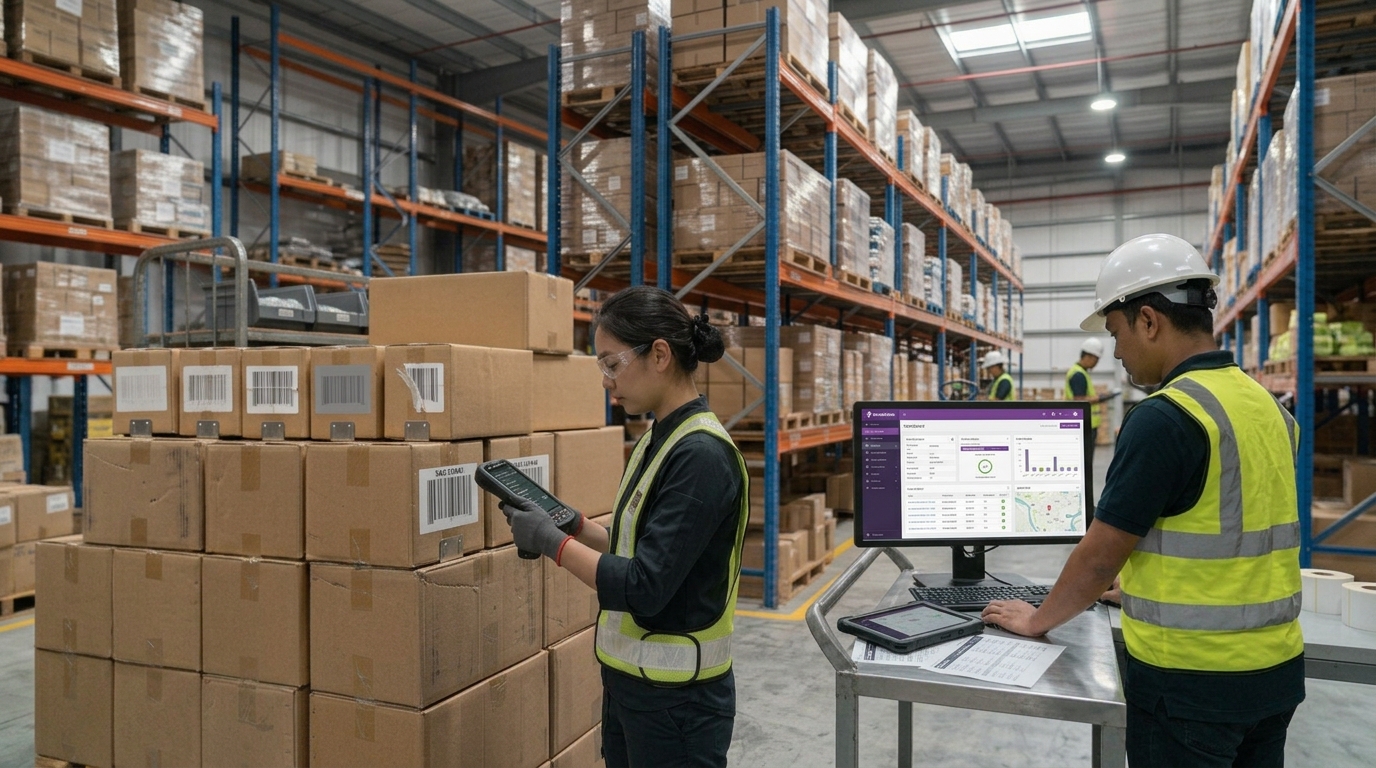
Hardware is only one part of a warehouse mobility strategy. To turn a barcode scan into a useful business transaction, the device needs to work with the appropriate application and warehouse processes.
AGen Warehouse Management System (WMS) can be considered alongside compatible mobile computers when businesses want to support digital warehouse workflows. Depending on the solution design and business requirements, mobile workflows may cover activities such as inventory management, stocktaking and other warehouse operations.
A simplified workflow could look like this:
Scan product → Verify in the warehouse application → Record the transaction → Continue to the next task
The value comes from the combination of the mobile device, barcode data capture, application logic and warehouse procedures.
For example, when a worker scans a product during a picking task, the application may validate the product against the assigned order. After the transaction is confirmed, the system can update the relevant record according to its configuration.
The exact workflow, integration and data-update behaviour should be confirmed during solution planning. Not every feature is automatically available in every deployment.
For growing warehouses, evaluating PointMobile hardware alongside AGen WMS can help establish whether a connected mobile workflow fits the operation better than relying on separate paper records and manual updates.
🇲🇾 9. Warehouse Mobility for Growing Businesses in Malaysia
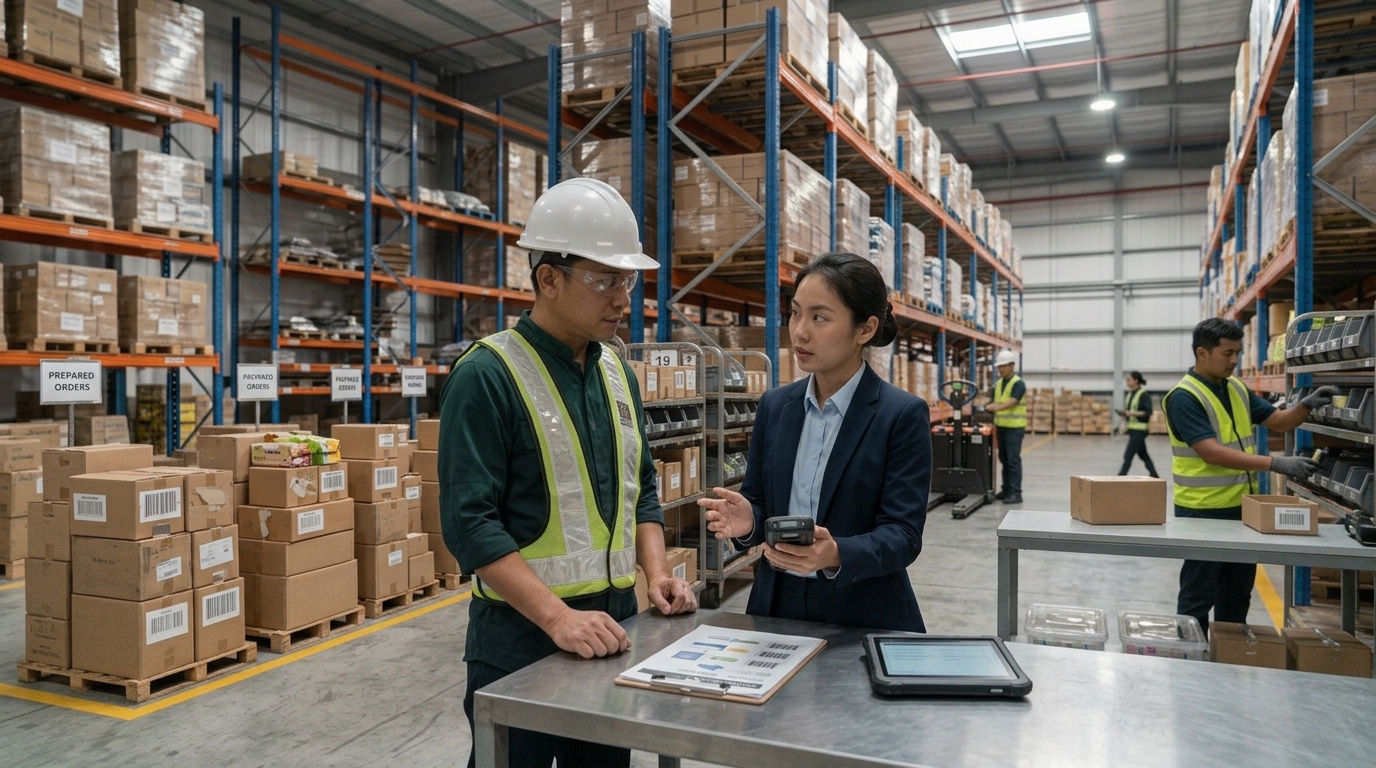
Malaysian warehouses and distribution centres may face increasing demands as businesses expand their product ranges, serve more customers or manage higher order volumes.
Different industries have different requirements. An e-commerce fulfilment operation may prioritise order picking and dispatch, while a manufacturer may focus on raw material movements, finished goods and stock verification. A third-party logistics provider may need to manage inventory for multiple customers.
Before implementing warehouse mobility, businesses should assess:
- Current order volume and expected growth
- Existing receiving, storage, picking and dispatch processes
- Barcode and label quality
- Inventory accuracy and recurring discrepancies
- Wi-Fi coverage and application requirements
- Device durability and battery needs
- Integration with the existing WMS or ERP
- Staff training, technical support and ongoing maintenance
At ALC-TECH (M) SDN BHD, the aim is to help businesses evaluate Auto-ID and digitalization solutions based on their actual operational requirements.
This includes discussing PointMobile mobile computers and how they may fit into a warehouse workflow with AGen WMS or another compatible application. Rather than recommending hardware in isolation, ALC-TECH can help businesses consider the broader relationship between mobile devices, barcode scanning, software and inventory processes.
🚀 Prepare Your Warehouse for Higher Order Volumes
As order volumes increase, warehouses need to manage more transactions without losing control of inventory information or daily task coordination.
Mobile computing can help employees access information and capture barcode data where the work takes place. When supported by suitable warehouse software and clear procedures, it can reduce reliance on paperwork, support more timely inventory updates and create a more connected workflow across receiving, put-away, picking, stocktaking and dispatch.
The right solution depends on the warehouse's needs. A dedicated mobile computer such as the PointMobile PM84P, combined with compatible warehouse software such as AGen WMS, may be worth evaluating for businesses looking to improve mobile data capture and digital warehouse operations.
Planning to improve warehouse mobility in Malaysia?
Contact ALC-TECH (M) SDN BHD to discuss your warehouse processes, mobile computing requirements and potential WMS integration.
WhatsApp: 03 6280 1650
Email: sales@alcaidc.com
Website: www.alcaidc.com
❓ Frequently Asked Questions (FAQ)
1. What is warehouse mobility?
Warehouse mobility refers to using mobile devices and applications to carry out warehouse activities such as receiving, put-away, picking, stocktaking and dispatch. It allows employees to access relevant information and record transactions while working on the warehouse floor.
2. Why is warehouse mobility important when order volumes increase?
Higher order volumes can increase the number of picking tasks, inventory movements and shipment checks. Mobile computing can help reduce unnecessary trips to fixed workstations, support barcode-based verification and make it easier to record activities through a connected warehouse application.
3. What is a warehouse mobile computer?
A warehouse mobile computer is a portable enterprise device designed to run business applications and capture data in operational environments. Depending on the model, it may include an integrated barcode scanner, wireless connectivity and a rugged design.
4. What is the PointMobile PM84P used for?
The PointMobile PM84P is an Android mobile computer with integrated 1D/2D barcode scanning and wireless connectivity. With compatible software, it can support warehouse and logistics workflows such as receiving, inventory checks, picking and dispatch verification.
5. Can a mobile computer replace paper-based warehouse processes?
A mobile computer can help digitise selected workflows by allowing employees to scan products, access task information and record transactions through an application. The extent to which paperwork can be reduced depends on the software, integration and business procedures.
6. What is the difference between a mobile computer and a smartphone?
Both can run applications, but enterprise mobile computers are designed for business data capture and may include integrated barcode scanning, enterprise connectivity options and durability features suited to operational environments. The right choice depends on the workload, application and total cost of ownership.
7. Can PointMobile devices work with a Warehouse Management System?
PointMobile devices can be used with compatible warehouse applications. The specific integration depends on the device, operating system, application requirements and system configuration. These details should be verified before deployment.
8. What should businesses consider before implementing warehouse mobility?
Businesses should assess barcode requirements, current workflows, Wi-Fi coverage, device durability, battery life, application compatibility, inventory processes, employee training and technical support.
9. Where can I find warehouse mobile computers in Malaysia?
Contact ALC-TECH (M) SDN BHD to discuss PointMobile mobile computing solutions and how they may fit your warehouse or inventory management requirements.
🔗 Explore More:
AGen Warehouse Management System (WMS)
https://www.alcaidc.com/public/Solution/AGenWMS.aspx
PointMobile PM84P Official Product Information
https://www.alcaidc.com/Public/ProductGroupDetail.aspx?model=PM84P&Brand=POINTMOBILE
Download ALC-TECH Company Brochure
https://www.alcaidc.com/Public/Brochure/BrochureSolution.aspx
|